React.js Cookie Consent Integration
React apps load scripts dynamically and navigate without full page refreshes—so tracking can fire early if consent isn’t handled correctly. CookieHub adds a full consent layer to your React site, blocks non-essential cookies until approval, and helps keep your app aligned with GDPR, CCPA, and other privacy regulations.
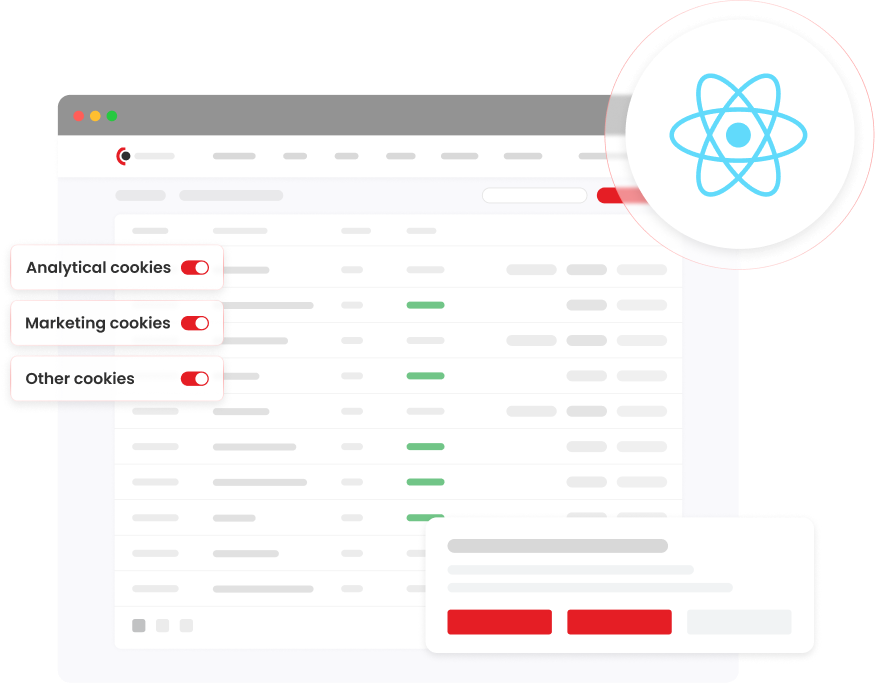
Effortless Compliance, Centralized Control
CookieHub integrates cleanly into React projects through react-cookiehub, giving you a consent banner, consent-driven script loading, and a consistent consent state across route changes. Once installed, CookieHub manages consent logic and keeps behavior consistent across your entire app.
For step-by-step installation, see the React package guide.
Key Benefits:
Block tracking scripts before consent (SPA-safe)
Keep consent behavior consistent across client-side routing
Control third-party scripts by category (analytics/marketing/etc.)
Use built-in components for common scripts (GA, Pixel, YouTube)
Extend control with CookieHub events/methods when needed
Why Use CookieHub with React.js
React makes it easy to accidentally load tracking when components mount, routes change, or scripts are lazy-loaded. CookieHub solves this by acting as the consent authority and giving you a predictable way to initialize consent once and gate scripts by consent category—without scattering consent checks throughout your components.
What CookieHub Adds to React.js
Consent-first script loading
Only load analytics/marketing tags after the user grants the required category.
SPA-friendly initialization
Initialize once at the app root and keep consent state stable across route changes.
Components for common tracking tools
Use purpose-built components like CookieHubScript, CookieHubGA, CookieHubPixel, and CookieHubYoutube to avoid premature execution.
Event-driven control when you need it
React to consent changes using events like onAllow / onRevoke or JS API hooks.
How It Works
CookieHub integrates cleanly at app level. No backend changes. No complex rewiring. Setup takes only a few steps—follow the package guide.
1. Install
Add the package to your project and keep it updated.
2. Initialize CookieHub at the app root
Initialize at the root component. For SSR frameworks (like Next.js), initialize client-side to avoid server execution.
3. Gate scripts by consent category
Use the provided script components (or CookieHub events) so tags only run after consent.
4. Verify behavior and stay compliant
Confirm cookies don’t fire before consent and use CookieHub controls/events for any custom tracking behavior.
Frequently Asked Questions
Yes. The package documentation recommends initializing CookieHub client-side (e.g., via a client component / useEffect) because it relies on window.
Use CookieHubScript (and related components) to load scripts with a required category, or hook into consent events like onAllow to initialize tools only after consent.
Yes—react-cookiehub includes components like CookieHubGA and CookieHubPixel designed to load those tools without running before consent.
CookieHub supports events (e.g., when a category is allowed/revoked) and a JavaScript API you can use to update your app behavior immediately.
react-cookiehub initializes CookieHub with your “domain code” (as shown in the package docs).