Cookie Consent for Umbraco
Umbraco gives developers full control over templates and server-rendered HTML — which is powerful, but it also means you’re responsible for managing scripts and cookies that track user behavior. CookieHub brings a central consent layer to Umbraco, preventing tracking before approval and helping you comply with GDPR, CCPA, LGPD, and other global privacy laws.
Effortless Cookie Compliance Built for Umbraco
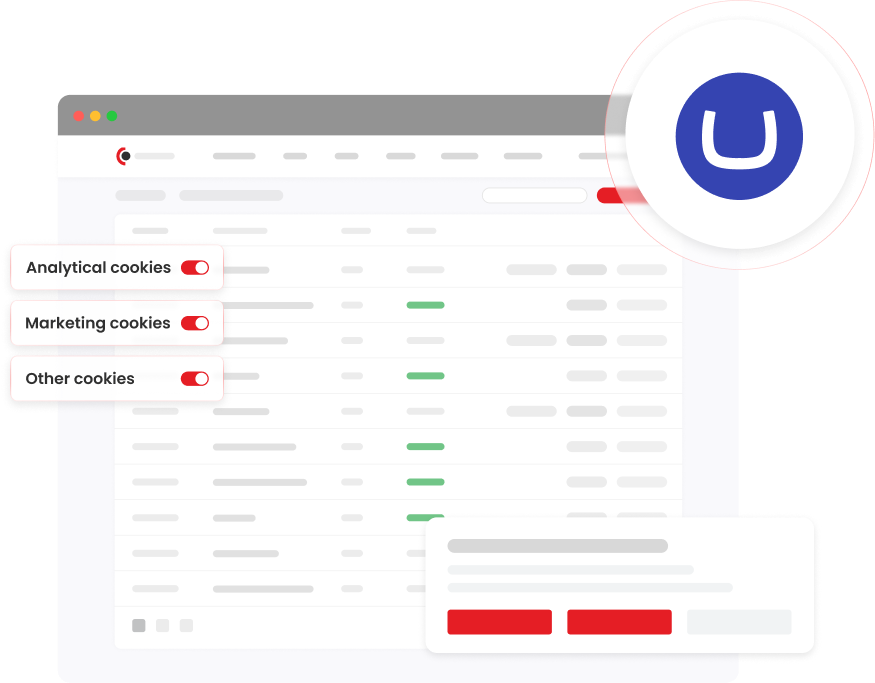
CookieHub installs directly into your Umbraco templates. Once implemented, it prevents non-essential cookies from running without consent, logs user choices for compliance, and keeps your cookie strategy up to date — without requiring custom modules or complex backend development.
For step-by-step installation, see the Umbraco implementation guide.
Key Benefits:
Prevents third-party tracking until consent is granted
Automatic cookie detection for analytics and embedded tools
Dynamic cookie declaration for transparency
Fully brandable consent banner
No Umbraco package installation — works with any theme
Minimal developer overhead
Why Use CookieHub with Umbraco
Umbraco lets you control your HTML, templates, and rendering logic — but that flexibility comes with responsibility. When tracking scripts are added directly into templates or inserted via external embeds, it becomes easy to lose sight of what cookies fire and when. CookieHub centralizes consent rules across every page and template, enforcing compliance without manual tracking logic or hook management.
What CookieHub Adds to Umbraco Sites
Automatic Enforcement of Consent Rules
CookieHub ensures that privacy and consent rules are applied consistently across your Umbraco site without manual configuration or custom logic.
Blocking of Non-Essential Cookies
Analytics, marketing, and third-party cookies are prevented from loading until the visitor has explicitly given consent.
Consent Logging for Compliance
User consent decisions are securely recorded and can be accessed for audits or regulatory documentation.
Real-Time Cookie Discovery
CookieHub continuously detects cookies set by scripts running on your site, helping you stay aware of new or changed tracking behavior.
Customizable Consent Banner UI
Adjust colors, layouts, text, and interaction styles so the consent banner aligns with your design system and branding.
Flexible Template Integration
Place CookieHub within templates or master pages to fit your existing Umbraco architecture without structural changes.
How It Works
CookieHub integrates at the template/Header level in Umbraco. No packages. No backend services to install. No dependency on third-party modules. Setup takes only a few steps — follow the implementation guide.
1. Get Your CookieHub Integration Code
Log in to your CookieHub dashboard and follow the Inline HTML tag setup to generate your unique implementation code.
2. Open Your Umbraco Template
In your backoffice, edit the layout or master template where the <head> element is defined.
3. Paste CookieHub Into the Header
Add the CookieHub snippet inside the <head> section of your template, preferably at the top below the opening tag.
4. Save & Publish
Save your template and publish your site. CookieHub now blocks tracking scripts until consent is given and logs user choices automatically.
Frequently Asked Questions
No. CookieHub installs via HTML snippet in your layouts or master templates — so you don’t need any third-party Umbraco packages.
Yes. CookieHub’s script runs in the visitor’s browser and blocks non-essential cookies regardless of where the script originated.
Yes. CookieHub lets you adjust colors, banner layouts, button styles, and text to match your brand.
Yes. CookieHub supports multiple languages and can switch banner text based on browser language detection.
Yes. CookieHub generates a dynamic cookie declaration that you can embed into any Umbraco page or content document.
No. CookieHub only manages third-party cookies and scripts — it doesn’t affect CMS rendering or backoffice functionality.